



Spinfest Login & Registration
If you’re completing the Spinfest login procedure for the first time, the website offers a variety of features, including exclusive bonuses. However, to play on real-money sites, every user needs to first complete a simple registration process and agree to the site’s terms of use.
After you sign up, you can take advantage of a generous welcome offer to help you get started smoothly. In your Spinfest profile, you’ll find helpful tools, such as customizable push notifications, which ensure you never miss important updates, as well as the ability to track your bonus history.



Registration at Spin Fest Casino
Signing up at Spinfest Casino is as simple as it gets. To complete the process and start playing on the platform, just follow the simple instructions below:
- Find the “Sign Up” button in the corner of the screen and click it
- Enter your email address and password, or click the Google button and continue there
- Select the currency in which you want your balance to be displayed
- If you have a promo code, don’t forget to enter it
- Confirm that you agree to the platform’s terms and click the button again
After that, you’ll receive a confirmation email, and you can begin your journey at Spinfest.
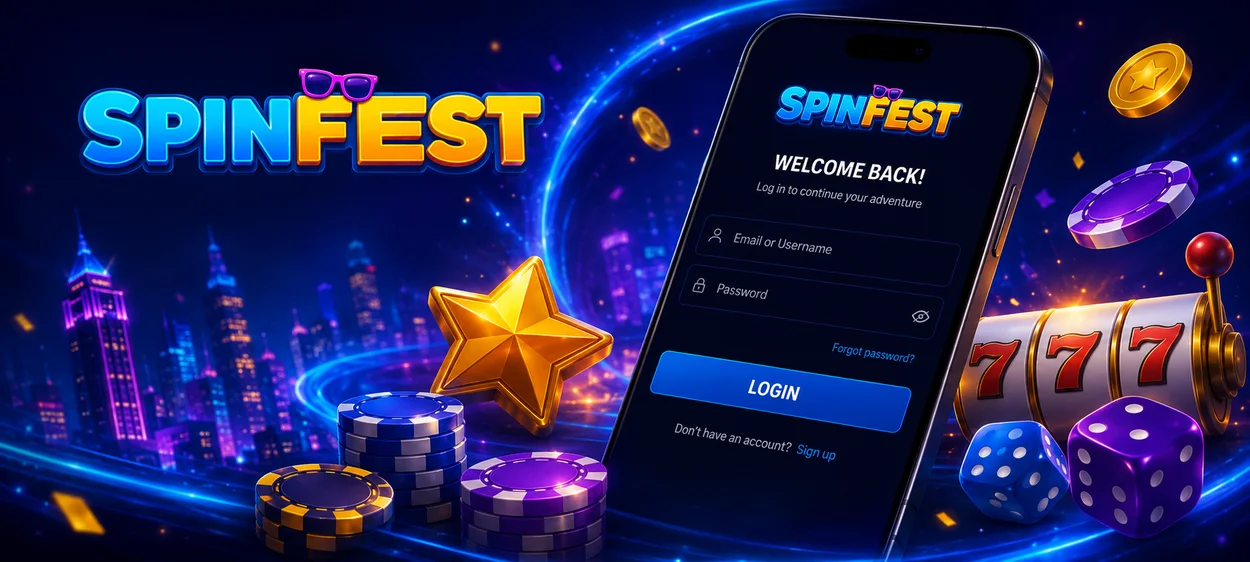
Spinfest Login and Account Management
Unlike registration, the Spin Fest login process is much easier and requires only a few steps. You simply need to enter the information you used when you signed up or click the Google button. Then confirm the information and press the button again.
If you’ve done everything correctly, you’ll gain access to platform features such as account funding, as well as the full catalog of games from leading developers available on the website. Within your profile, you can monitor your deposit history to keep detailed records and, in the event of suspicious activity, quickly resolve the issue with the help of Spinfest Casino customer support.
Account Features Overview
Your profile at Spinfest Casino isn’t just a place where you can track your statistics, but it’s also a collection of useful tools that can enhance your gaming experience. In the table below, we’ve outlined most of them:
| Tab | Description |
| Referral System | Here you can invite a friend to the platform and earn extra rewards based on their progress. |
| Security | In this section, you are able to set up two-factor authentication, change your password, and view your Spinfest login history. |
| Responsible Gambling | Here, we’ve compiled a variety of useful responsible-gaming features to help you keep your gaming experience healthy. For example, by setting loss limits, you can avoid unnecessary, impulsive spending. |
| Promo | This section allows you to track the history of your activated casino and sportsbook bonuses. It also shows your VIP program level, making things more convenient. If you have a promo code, you can find the field to enter it here. |
| Game History | This tab helps you better understand your gaming activity by providing a complete overview of all bets placed on sports and casino games. |
Forgot Your Password?
The most common cause of problems during the Spinfest login procedure is entering information incorrectly. To regain access to your account, look for the “Forgot your password?” button in the same field where you enter your username. After clicking it, you’ll need to enter the email address you used when you registered. We’ll send instructions on how to reset your password to your inbox.
If these measures do not help, please contact the Spin Fest Casino support team in any convenient way, including live chat and email.
Verification at Spinfest Casino
The verification process at Spinfest Casino is required in order to withdraw funds from your account. This measure helps protect your personal information and finances. If we detect suspicious activity and your account is already verified, it will be much easier to restore access. To complete the process, you’ll need to upload the following documents:
- Identification proof, such as a driver’s license
- Proof of address, like a utility bill or bank statement
- A screenshot showing the deposit in your online banking account
After that, you can check the current status of your verification in a special tab on your profile.
FAQ
Can I share my profile with a friend?
There’s little point in sharing your Spinfest login details with a friend. Instead, you can invite them as a referral so that you both earn rewards while playing on the site.
Can I browse Spin Fest before creating an account?
Yes, as a visitor, you can play the demos of the games available on the platform, which are no different from the regular versions. You can also review the site’s rules and details to make the most informed decision possible.
What should I do if my account is locked?
Regardless of the reason for the block, contact our multilingual support crew as soon as possible so they can explain how to unlock access to your profile.


